Industry
Engineering, Education
Timeline
2025.8 - present
Category
App

Overview
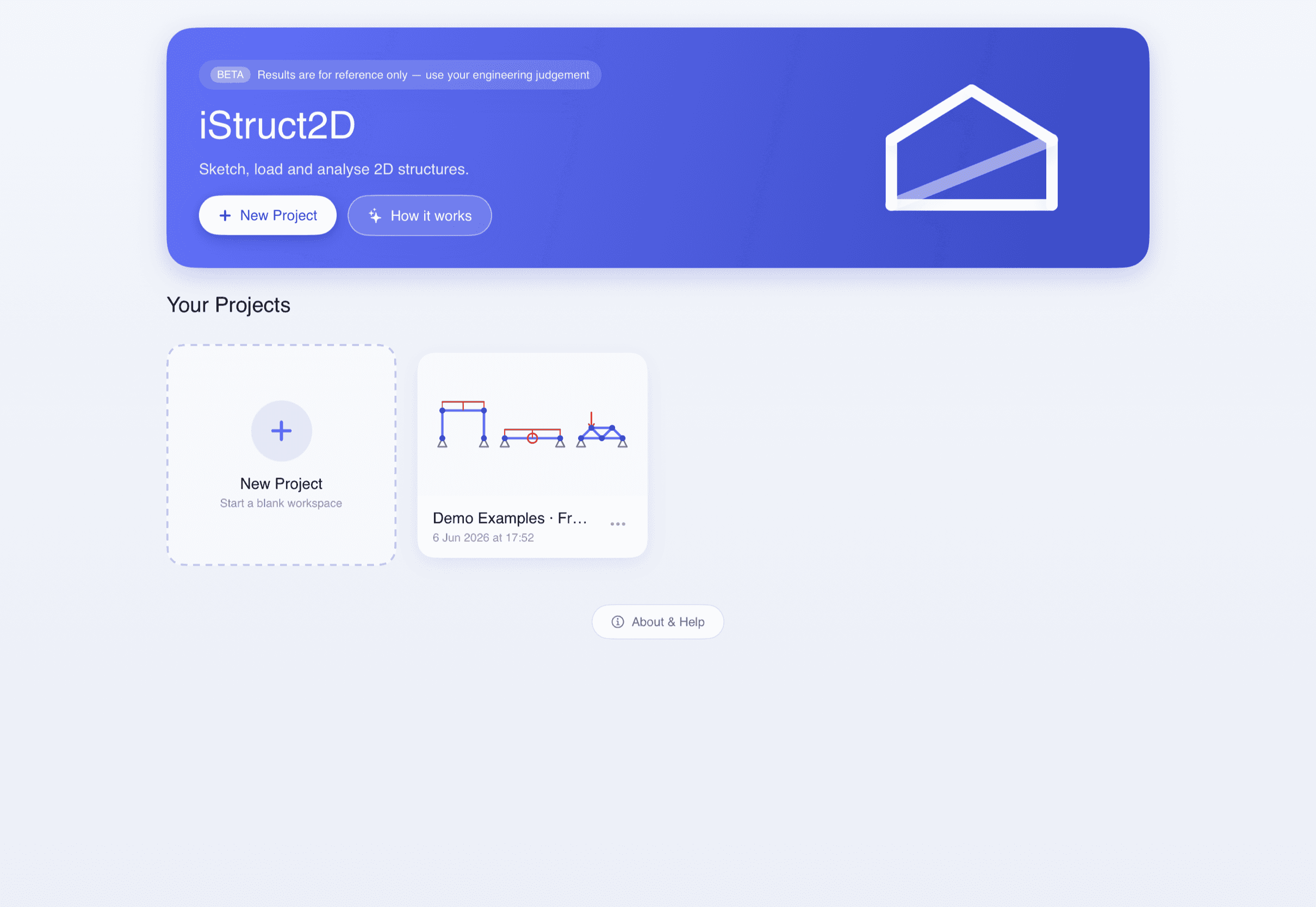
iStruct 2D is a 2D structural-analysis sketchpad for iPad. Students draw beams, frames and trusses by hand, apply real supports and loads, and get reactions, shear, bending, axial and deflection in a single tap. I led the product’s UX/UI, brand and motion — turning a professional-grade solver into something students can actually learn from.
Timeline
2025 – Present · In beta
The Team
Co-founded with a developer, co-developed with the University of Queensland (School of Civil Engineering)
My Role
Product UX/UI · Brand & Motion · Marketing site
Structural analysis is one of the most challenging subjects for engineering students. Existing tools are often:
difficult to learn
visually overwhelming
designed for professionals rather than students
lacking educational guidance
Students frequently struggle to connect theoretical concepts with visual structural behaviour. So therefore me and my co-founder wanted to simplify the experience enough that students could focus on understanding structures and experimenting with ideas — without being overwhelmed by complicated interfaces.
1 tap
Solve every structure — reactions to deflection in a single tap
5
Result diagrams: reactions, shear, bending, axial & deflection
100%
On-device & private — no account, no tracking
Inside the app

Draw by hand
Place each member with a drag. Members that share an end weld into a node automatically, endpoints snap to the grid and to existing nodes, and you can tap any length to type an exact value. Two fingers pan and zoom — or turn on Apple Pencil mode to draw while your fingers navigate.
Supports & loads that match reality
Pin, roller and fully-fixed supports drag straight onto nodes. Point loads, moments and distributed loads — uniform or trapezoidal, with separate start and end magnitudes — act perpendicular to the member or lock to a global axis. A drop ring turns green the moment a load will attach.

Five diagrams, one language
Every structure is solved with the direct stiffness method — the same foundation as professional software. Toggle reactions, shear, bending, axial and the deflected shape, and scrub any member to read the exact value at any point.
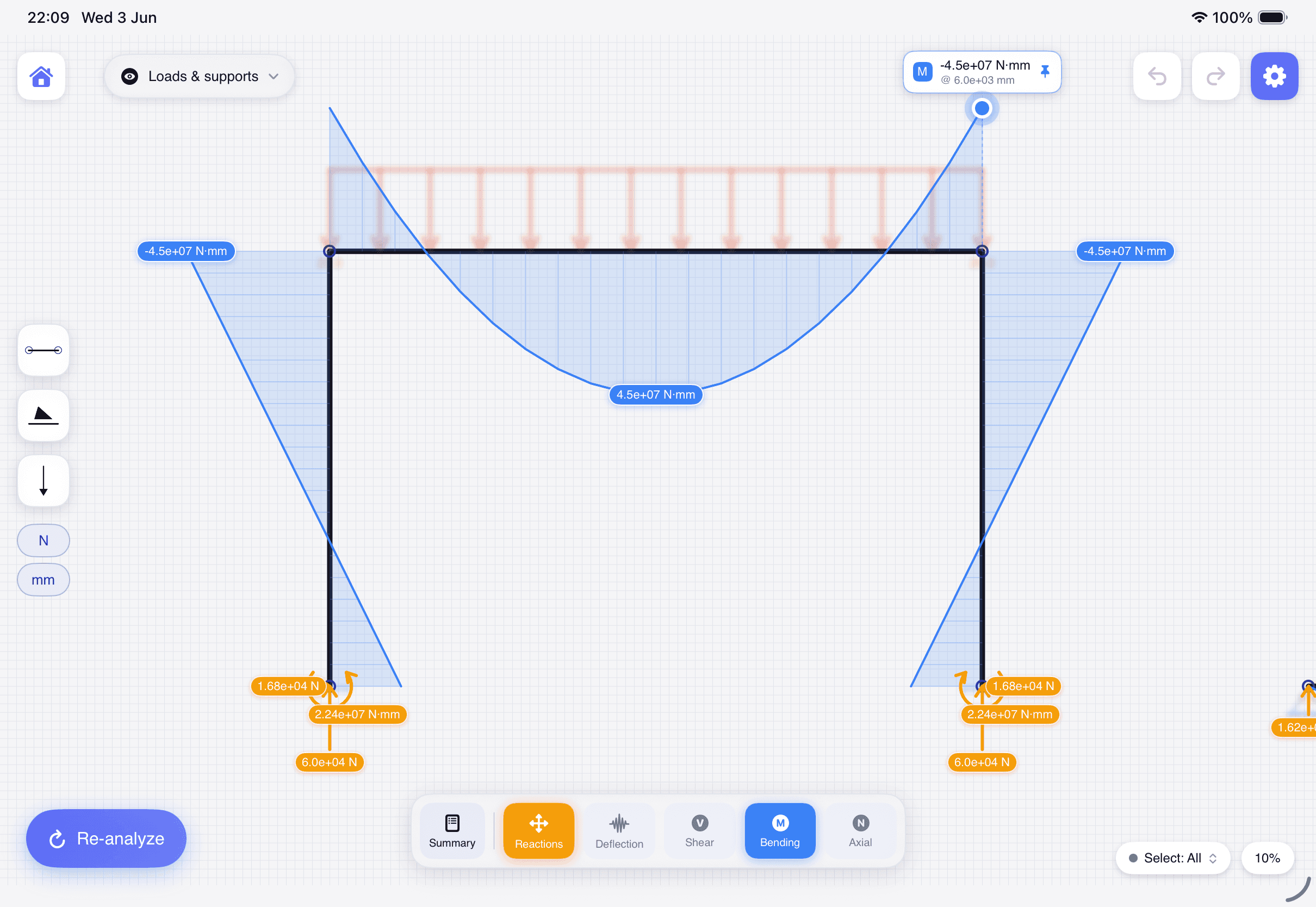
Bending (M)

Deflection (δ)

Axial (N)

Precise, without the clutter
The interface stays out of the way. Tap any value to type it exactly on a focused number pad, tap a single reaction to inspect it alone, and let the app locate the critical values for you — so students spend their attention on the structure, not the software.
My process
From understanding the learning problem to shipping a cohesive product and brand.
1
Understand
Translated classroom pain points into product requirements: fast modelling, visible feedback, fewer distractions, and support at the moment students make decisions.
2
Map the workflow
Shaped the core loop — sketch a structure, define supports and loads, analyse, then read results visually. Every screen decision serves that loop.
3
Prototype with Claude Code
Used Claude Code to generate early functional prototypes, moving fast from interaction ideas to testable product behaviour.
4
Build product & brand
Designed the product UI, then the brand, motion and marketing site so iStruct 2D feels cohesive from first launch to the App Store.
Key product decisions
I kept the interface intentionally learner-first: the workspace stays central, controls group around the current task, and feedback is shown visually wherever possible. AI became part of the making process rather than the product itself — I used Claude Code to generate prototypes, then refined the UX, product direction, brand system and marketing into one cohesive, student-facing whole.
Outcome
iStruct 2D is now in beta and live on the web and the App Store — a focused structural-analysis experience that is approachable for early learning yet structured enough for real experimentation. Building it end to end sharpened how I design at the intersection of complex domain knowledge, educational UX and product execution.
NEXT PROJECT